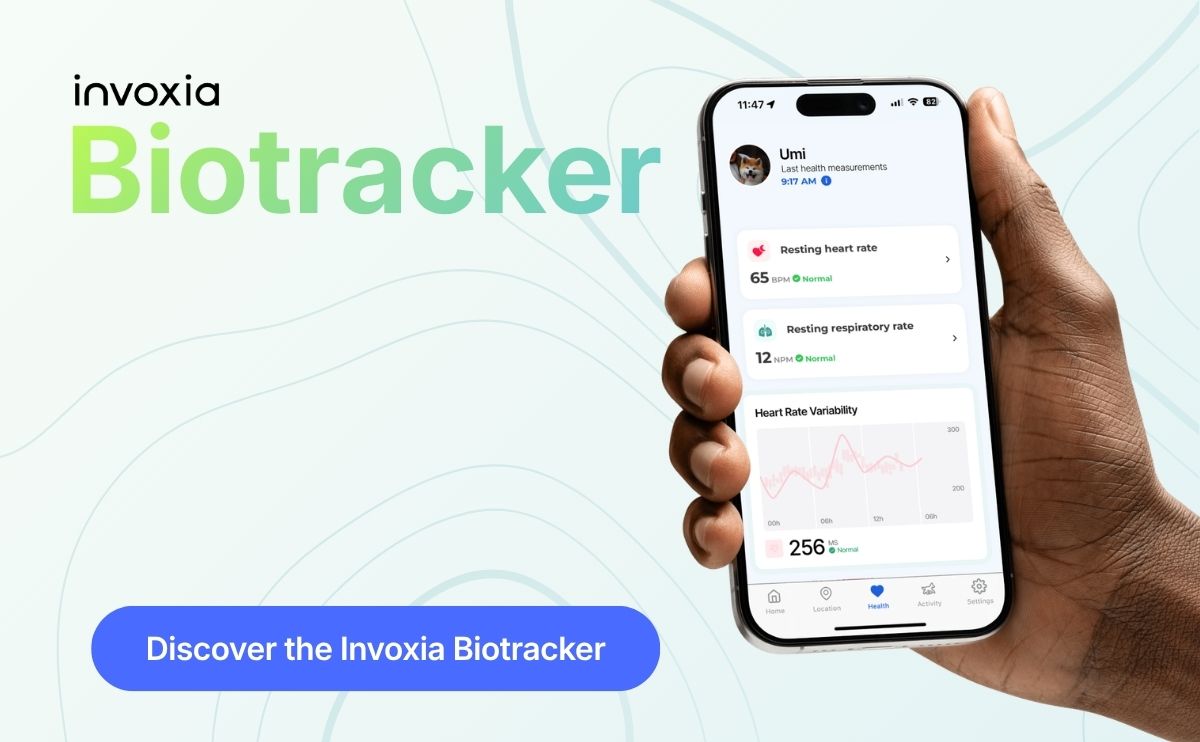

Your Biotracker measures your dog’s heart and respiratory rates every day, at rest, at home. Now your veterinarian can see them too, without you forwarding a single screenshot. All it takes is an invitation from the Biotracker app.
Why your vet needs what happens between visits #
A consultation is a snapshot. Your dog arrives stressed, in an unfamiliar room, and its heart rate that day says more about the car ride than about its heart. What vets really want to know is how your dog breathes when it sleeps on the sofa, and whether that has changed over the last three weeks.
That is exactly what the Biotracker records. The resting respiratory rate, in particular, is the figure cardiologists ask dog parents to count by hand at home for dogs with heart disease. The collar does it for you, automatically, night after night.
One link was missing: getting that data in front of your vet. That is what the invitation does.
How it works, in three steps #
1. You invite your vet from the app #
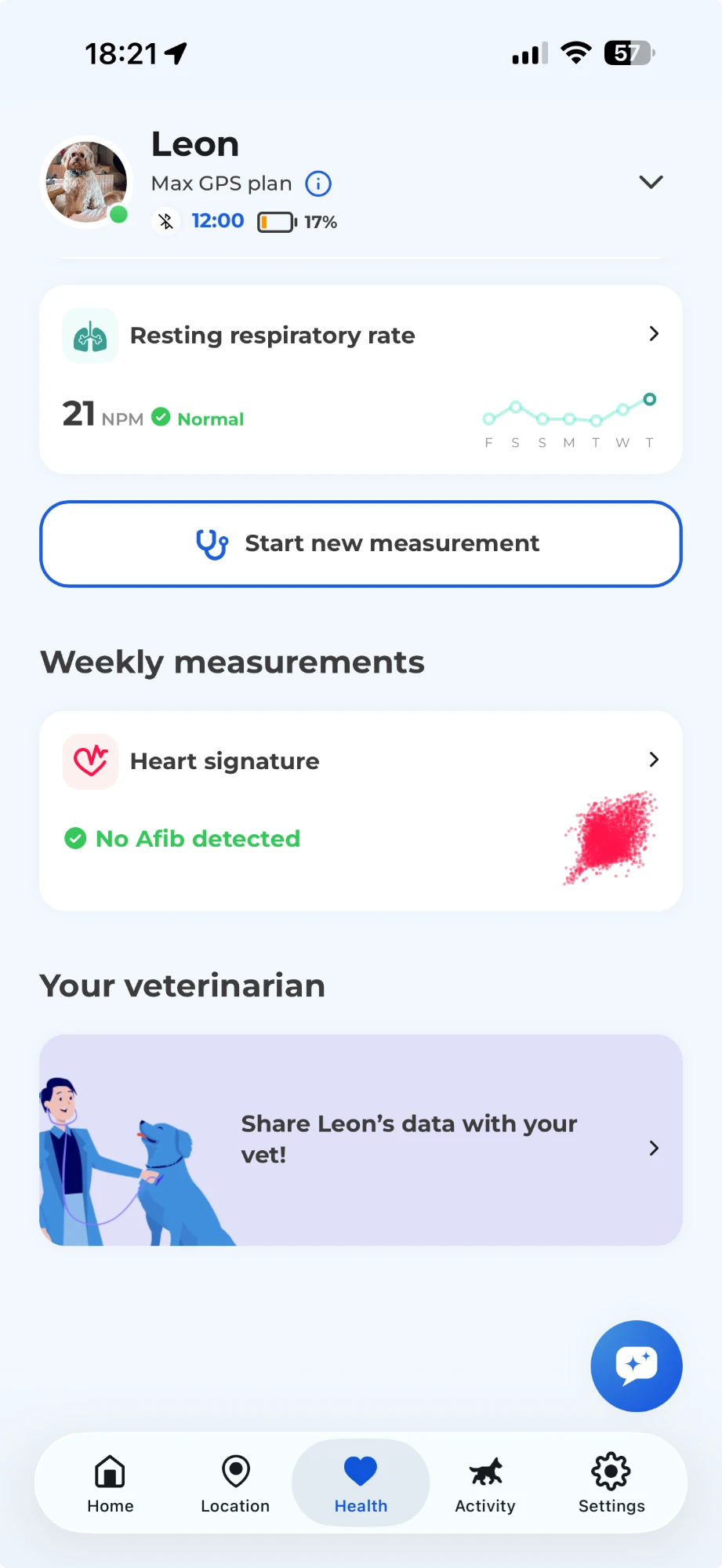
In the Biotracker app, open the Health tab and scroll all the way to the bottom of the page. In the Your veterinarian section, tap the card Share [your dog]’s data with your vet!
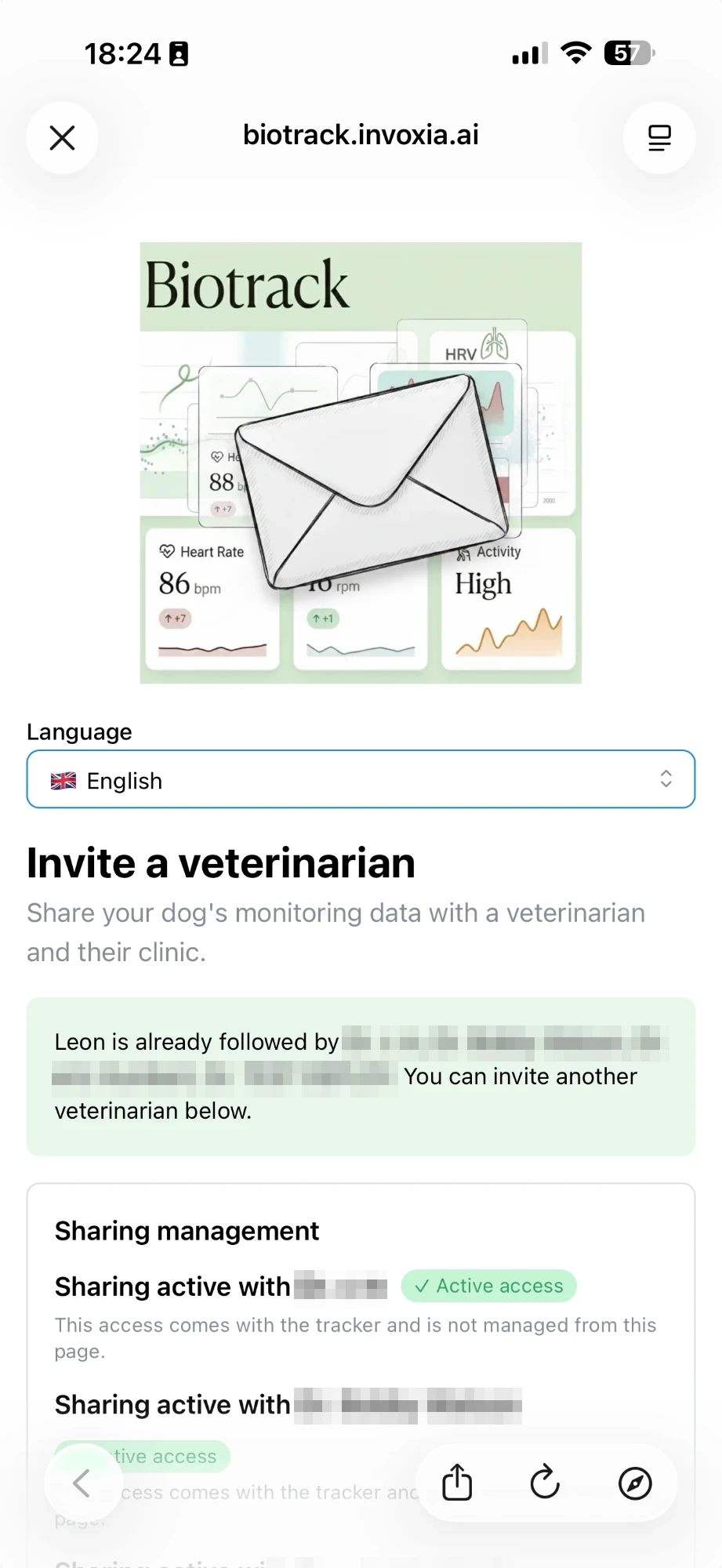
Then enter their name, e-mail address and language: three fields, that’s all. From a computer, you can also use the Biotrack invitation page, signing in with your Invoxia credentials.
2. Your vet creates a free Biotrack account #
Your veterinarian receives the invitation by e-mail and creates a Biotrack account in a few minutes. It’s free, with no equipment to buy or install. They find your dog with its full history, from the first day it wore the collar.
3. You’re notified as soon as they accept #
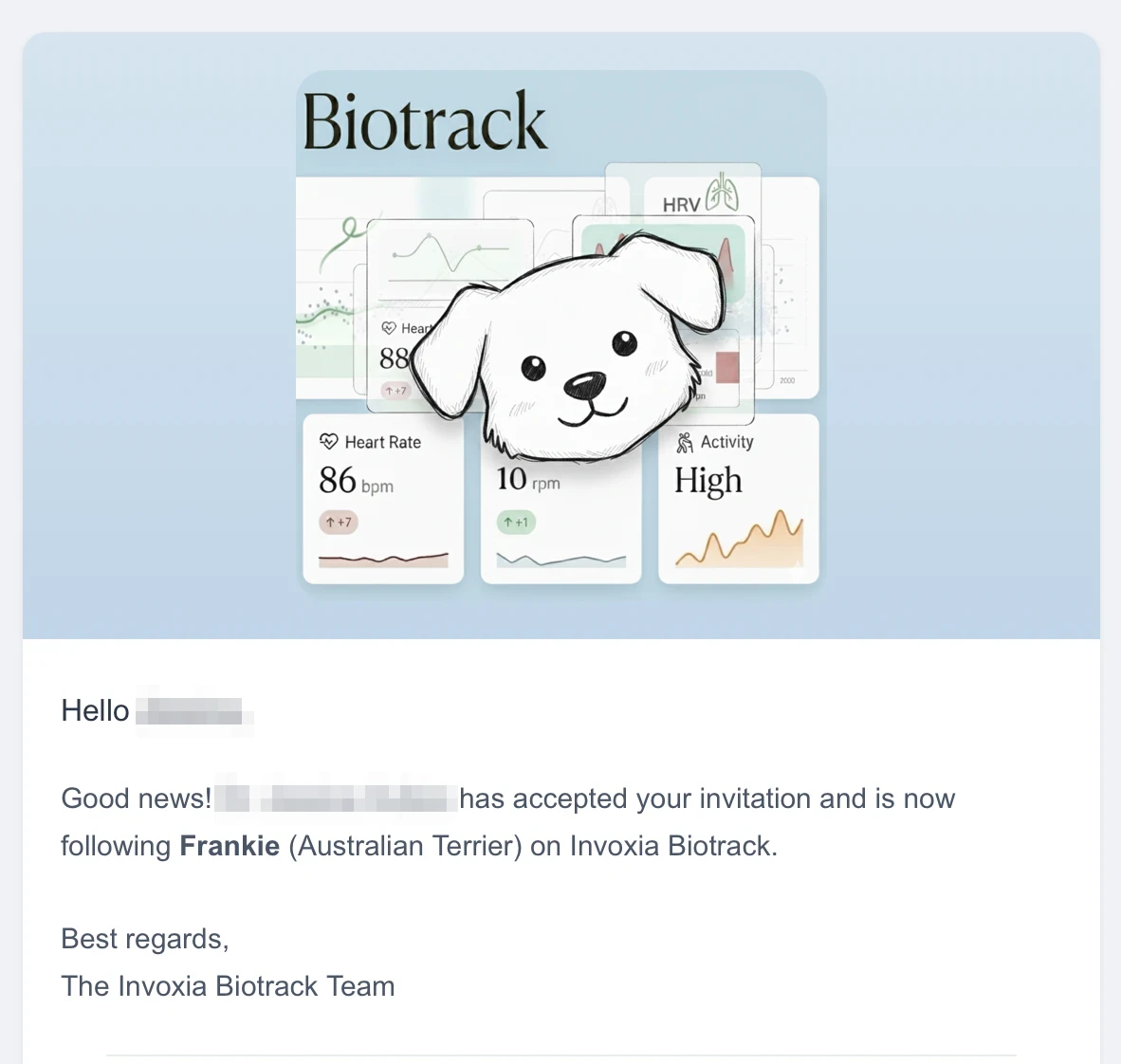
As soon as your vet accepts the invitation, you receive an e-mail: your dog is now followed by the clinic. On your side nothing changes, you keep using the app as before.
What your vet sees on Biotrack #
Biotrack is Invoxia’s platform built for veterinary clinics. It turns the data from your dog’s collar into what a vet actually works with: trends, alerts and reports.
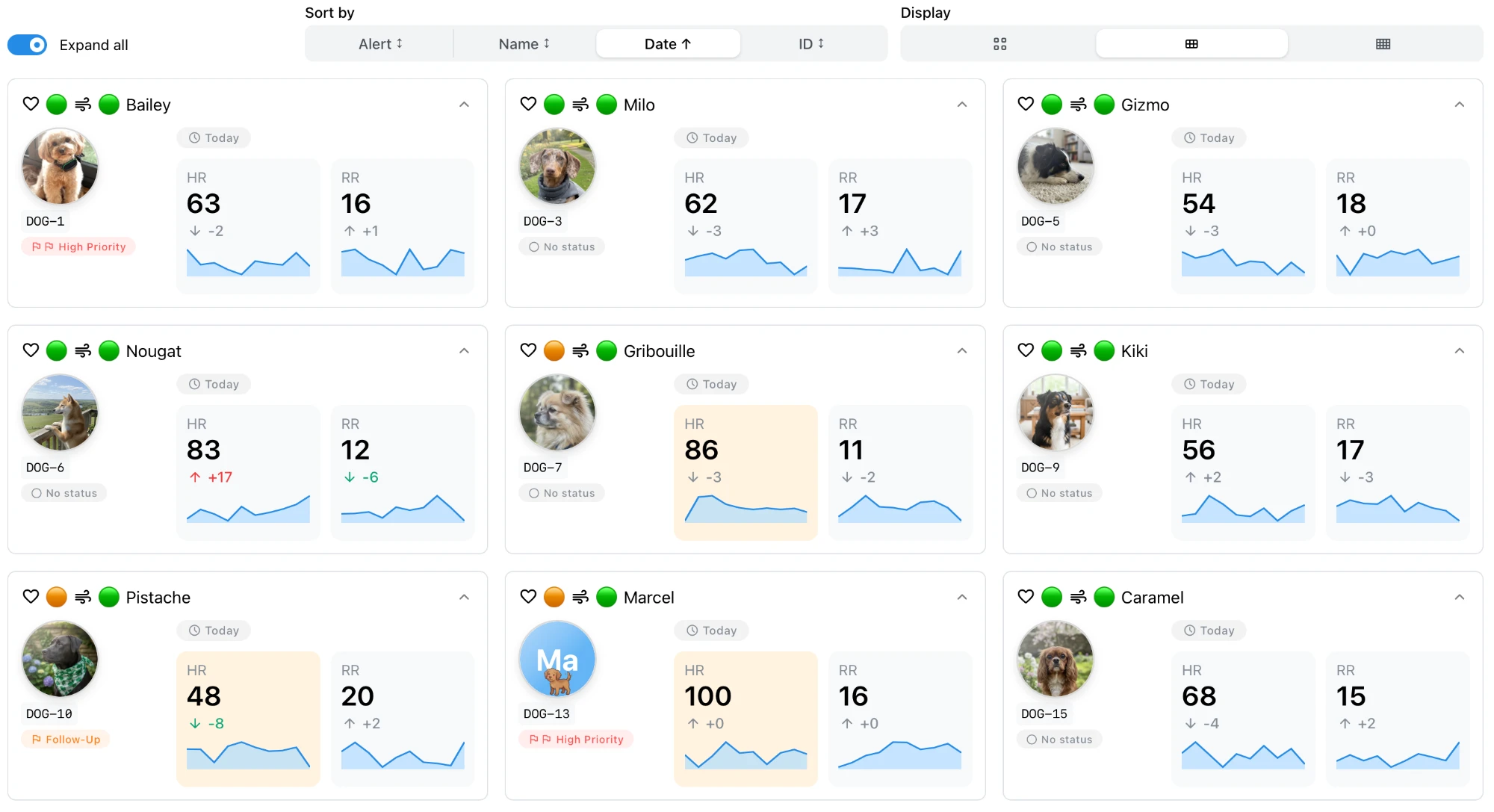
On their dashboard, your vet gets:
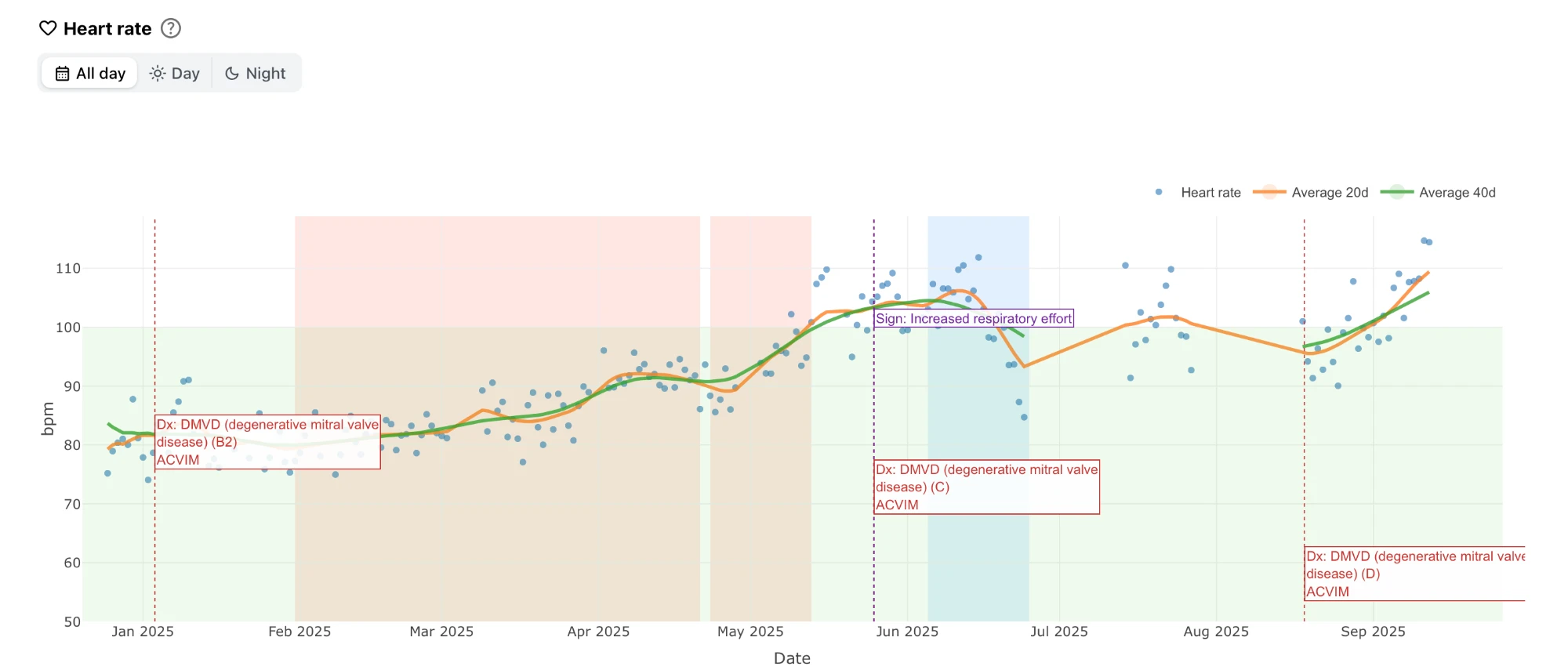
- long-term curves: daily resting heart and respiratory rates, with 20-, 40- and 60-day averages;
- alerts: sorted by AI according to how far they deviate from your dog’s own reference values, rather than a raw list of numbers;
- clinical events: diagnoses and treatment changes noted directly on the curves;
- PDF reports: follow-up reports the vet can edit and share with you.
Measurements your vet can rely on #
A vet only acts on validated data. Biotracker measurements have been compared with reference equipment, and the results are published: 99.6% accuracy on heart rate and 98.6% on respiratory rate, measured on 40 dogs (bioRxiv, 2023). Reference values were established in the AI-COLLAR study, published in 2025 in Frontiers in Veterinary Science (peer-reviewed, 703 healthy dogs). To go further, read our guide to monitoring your dog’s heart health at home.
Questions dog parents ask #
Does it cost my vet anything?
No. Creating a Biotrack account to follow your dog is free, and there is nothing to install.
My vet doesn’t know Invoxia. Is that a problem?
Not at all: the invitation explains everything. They can also discover the platform before accepting on the Biotrack page.
Who sees my dog’s data?
The veterinarian you invite and their clinic.
Can I still download a report myself?
Yes. The app still lets you export a health report as a PDF to bring to an appointment.
Invite your vet today #
Open the Biotracker app, Health tab, at the very bottom of the page: Your veterinarian section. Want your vet to get a feel for it first? Send them the Biotrack page.